This project is abandoned
Calorie Bank was built as a Flutter proof-of-concept. Active development has since moved to a native Kotlin (Android) rewrite — calorie-bank-kotlin — so this Flutter codebase is no longer maintained. It's preserved here as a reference implementation and design showcase — screenshots, a demo GIF, and the full source remain available in the GitHub repository.
Live demo
A quick walkthrough of the bottom-navigation flow: Home → CalBot → Home → Bank → Profile.
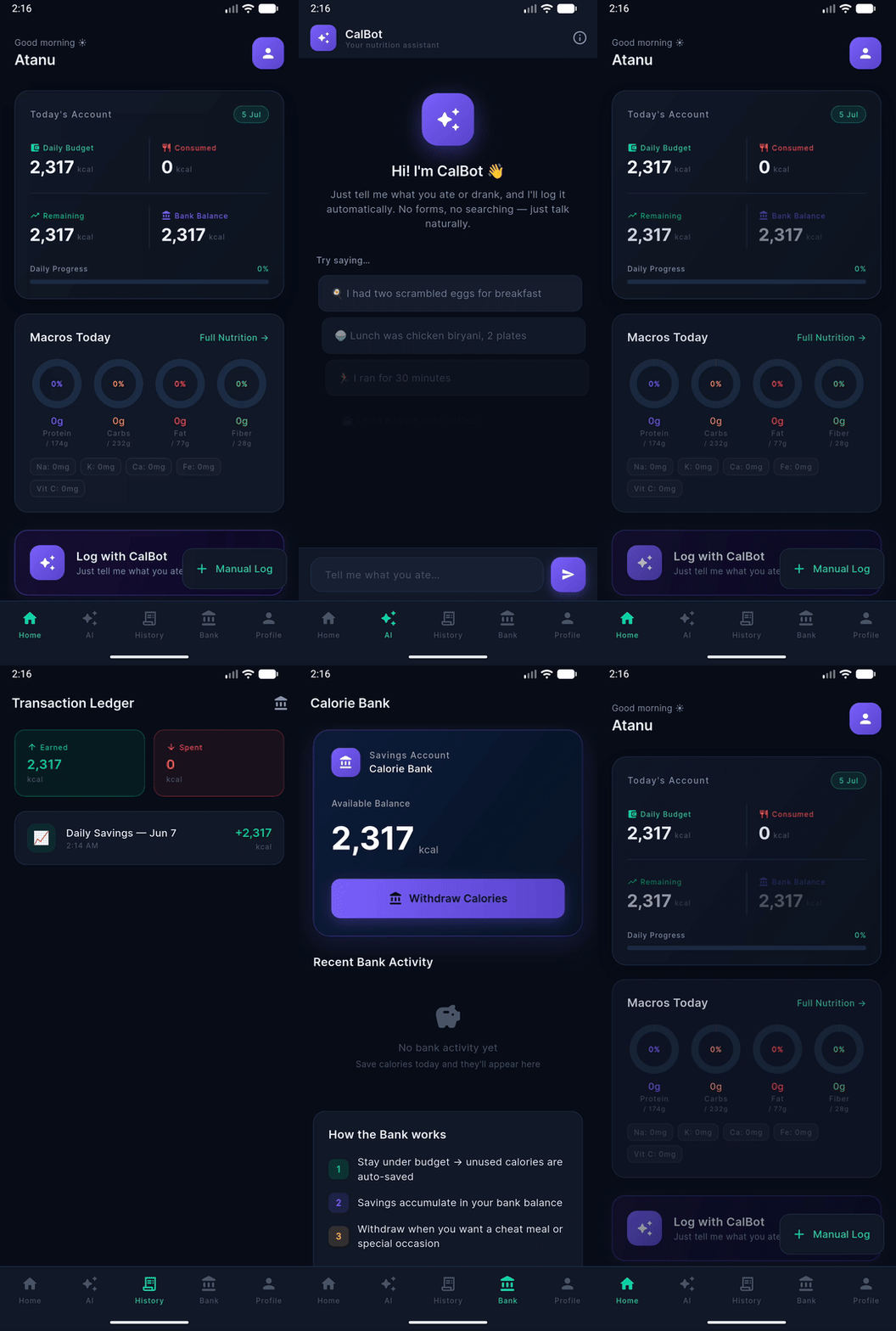
Screenshots
Captured on an Android emulator (Medium Phone API 36.1).
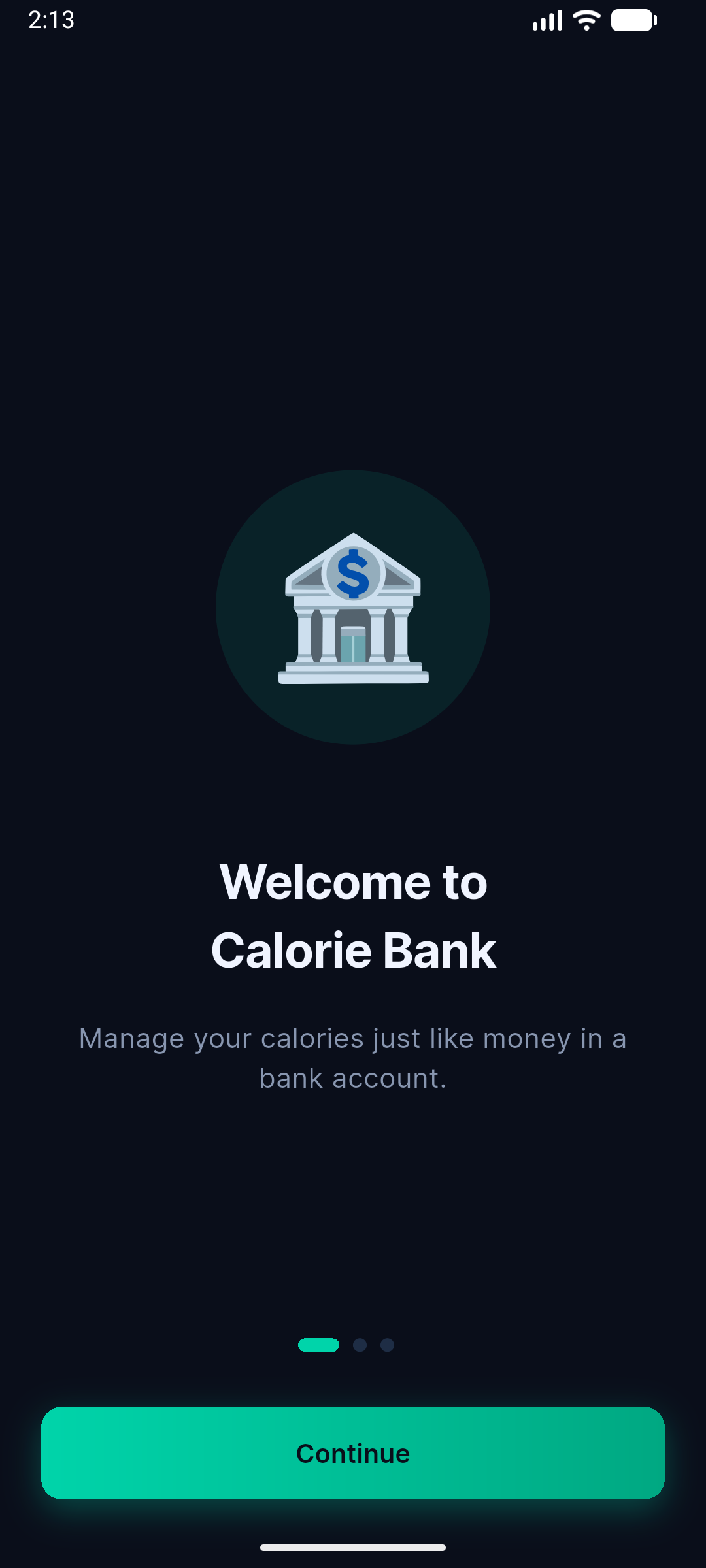 Onboarding
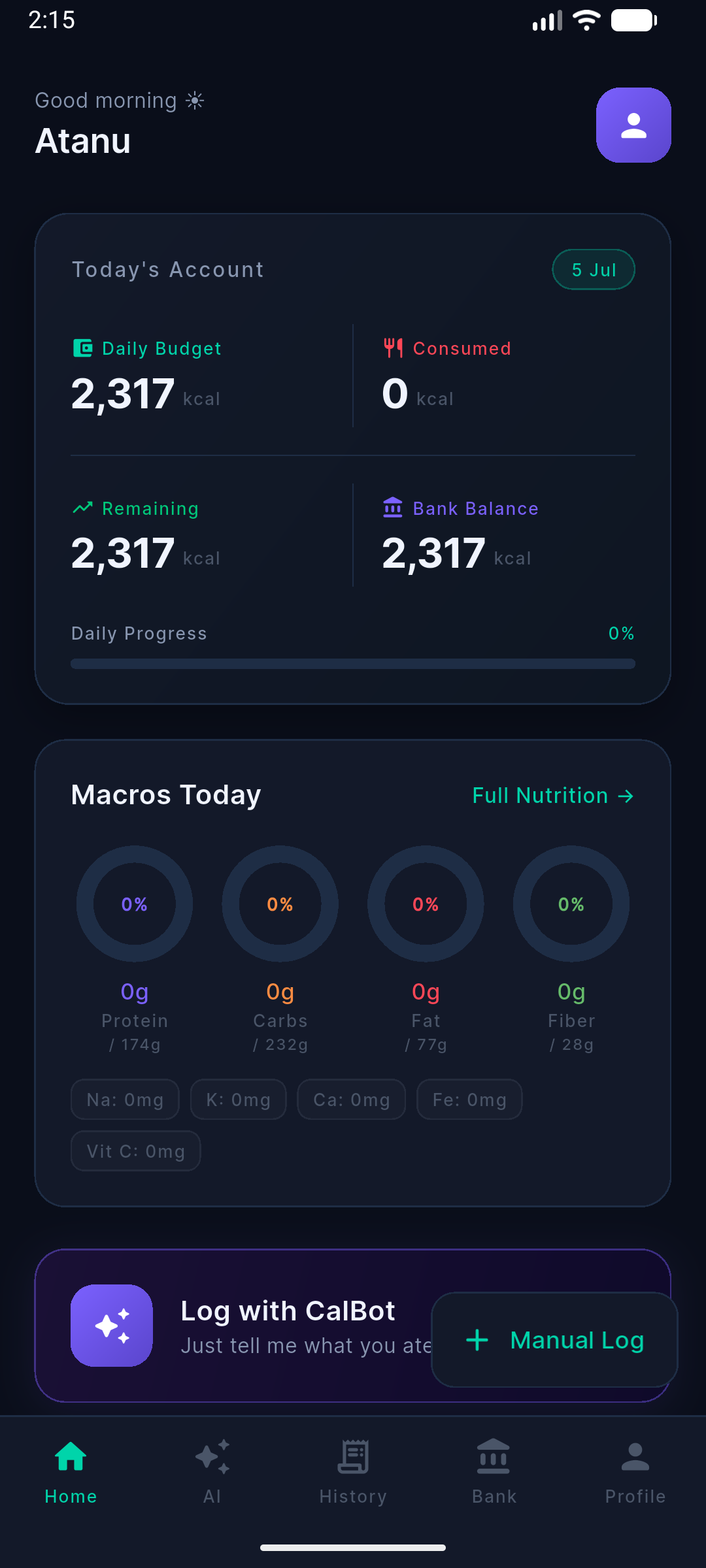 Home Dashboard
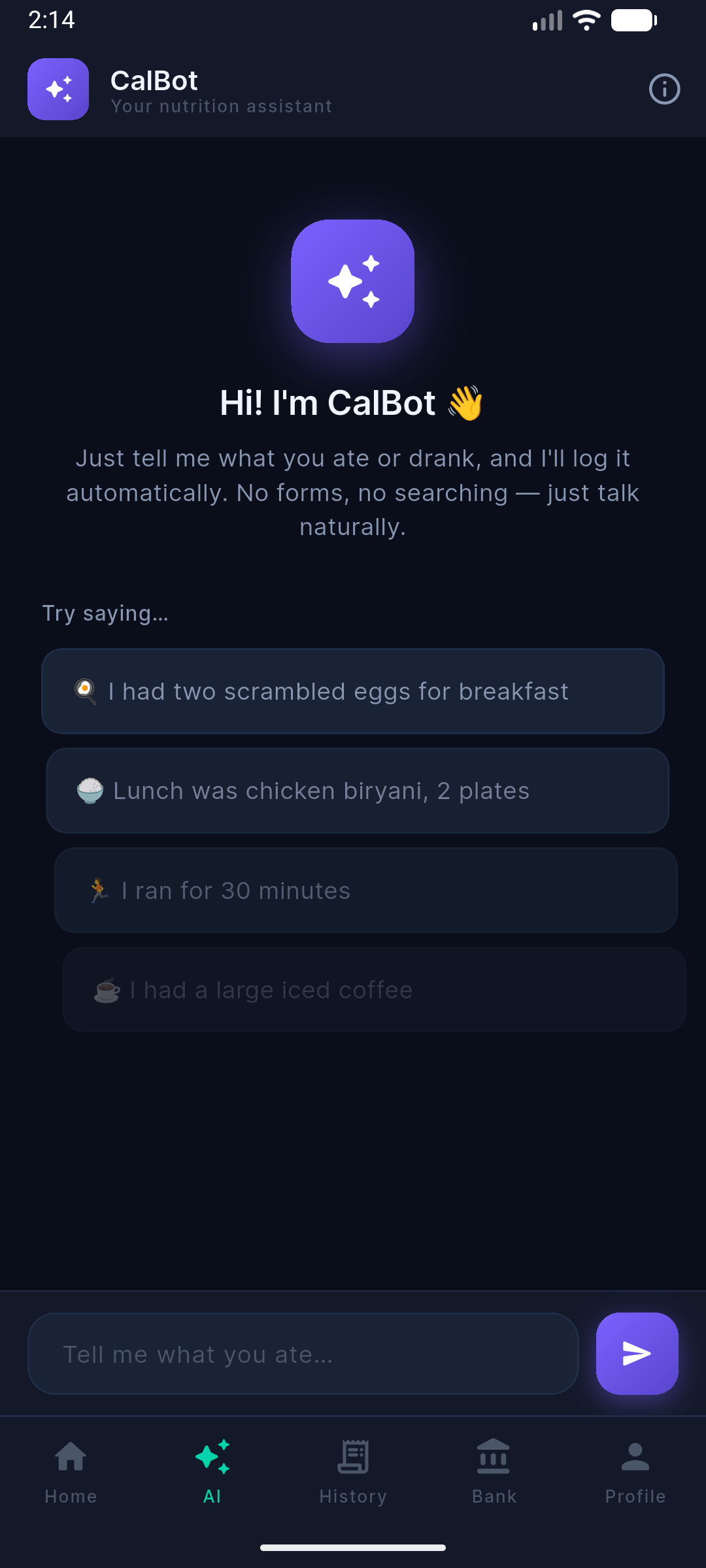 CalBot AI Chat
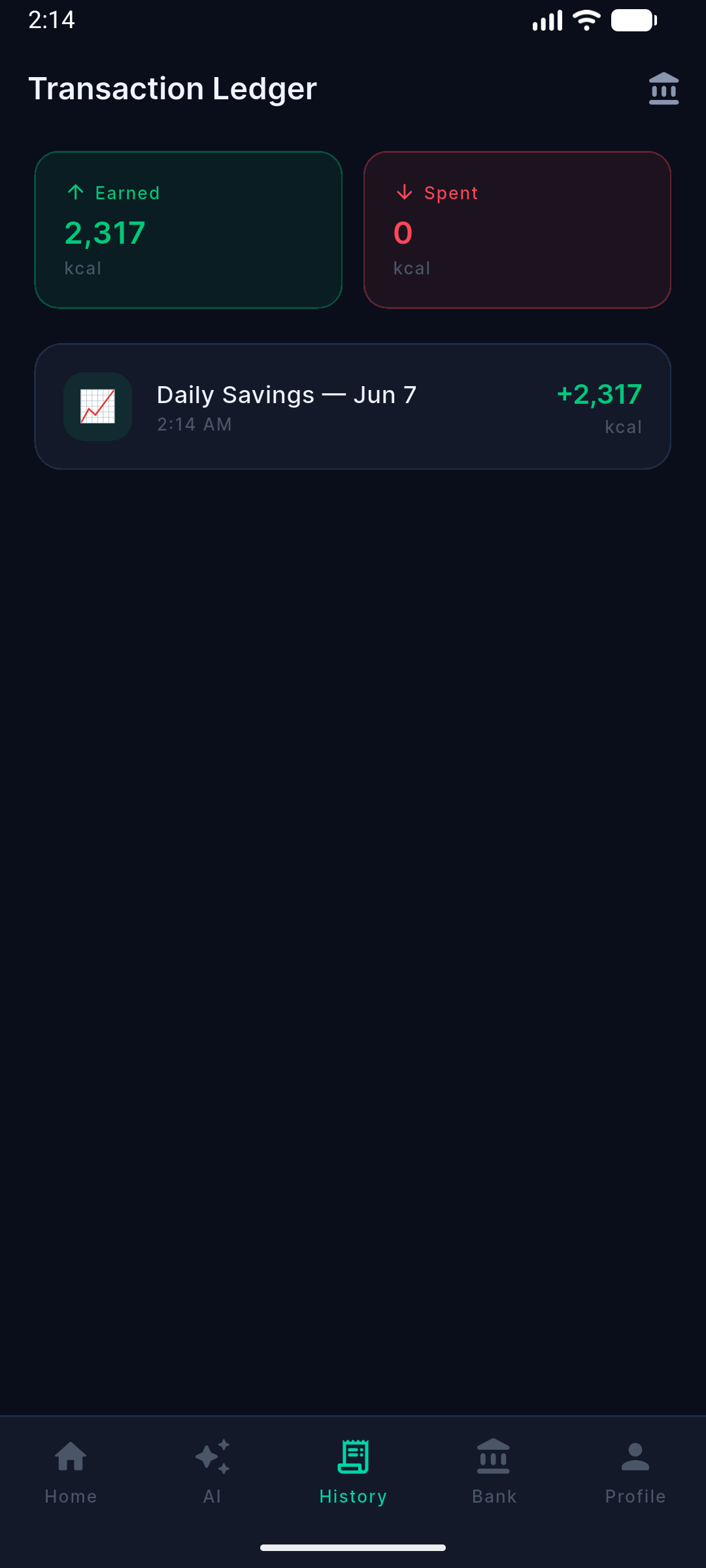 Transaction Ledger
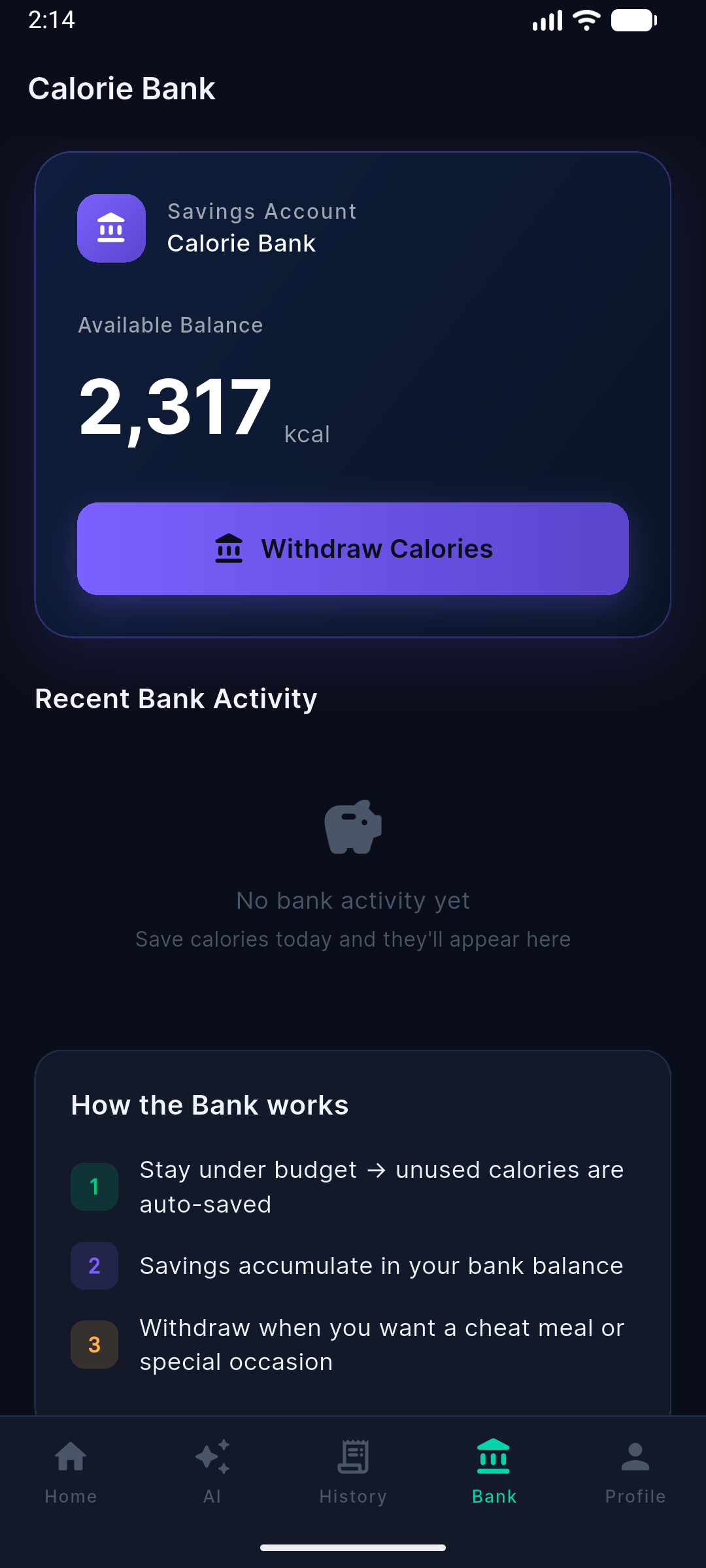 Calorie Bank
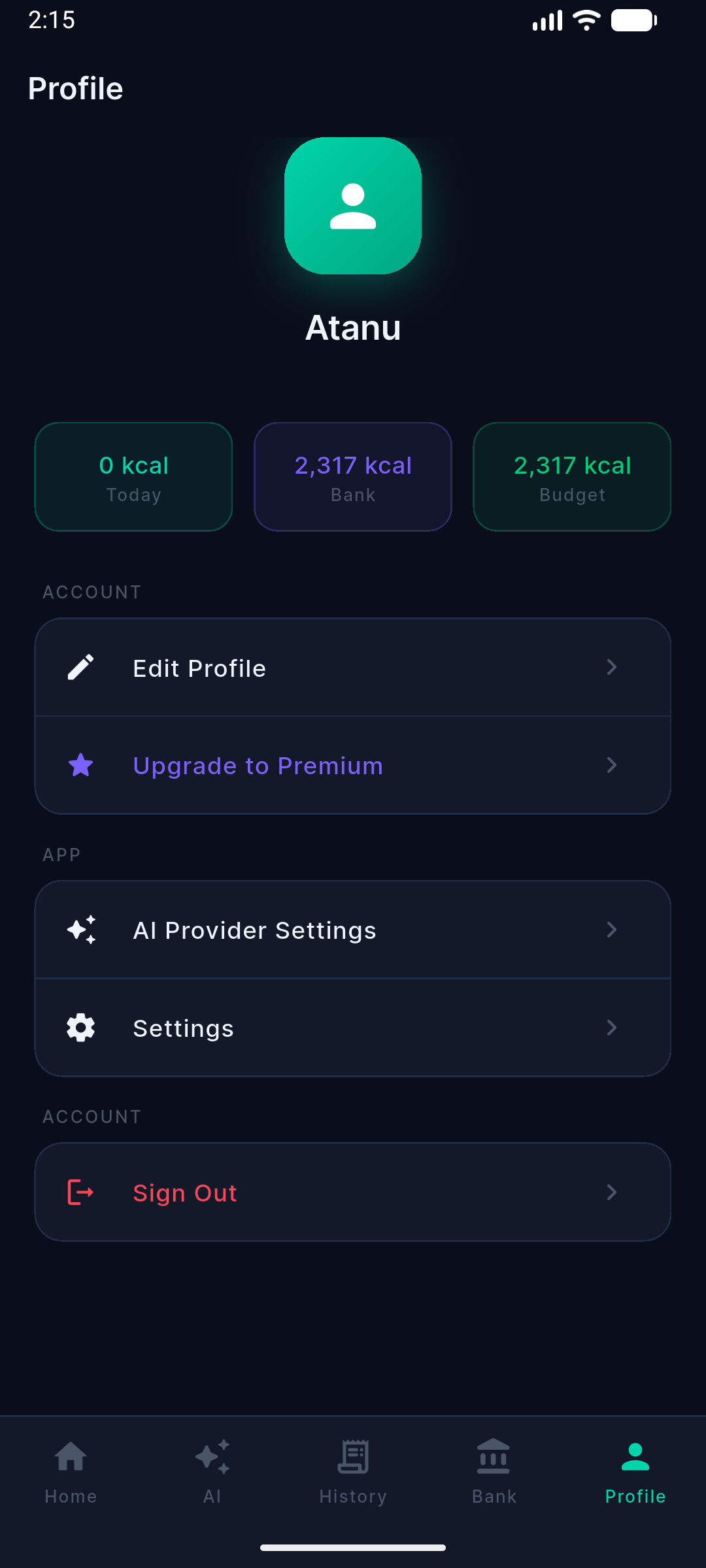 Profile
The concept
Calorie Bank reframes calorie tracking with a banking metaphor.
Daily Budget = Income
Your calculated daily calorie budget acts like income deposited into your account each day.
Food = Spending
Every meal you log is a transaction that spends against today's budget.
Unused Calories = Savings
Stay under budget and the surplus is automatically saved into your Calorie Bank balance.
Withdraw Anytime
Cash in saved calories later for a cheat meal, a weekend feast, or a special occasion.
Log with CalBot
Describe what you ate in plain language and Gemini-powered CalBot logs it automatically — no manual search.
Macro Tracking
Protein, carbs, fat, fiber, and key micronutrients tracked against personalized daily goals.
Tech stack
Layered/clean architecture with Riverpod for state and go_router for navigation.